


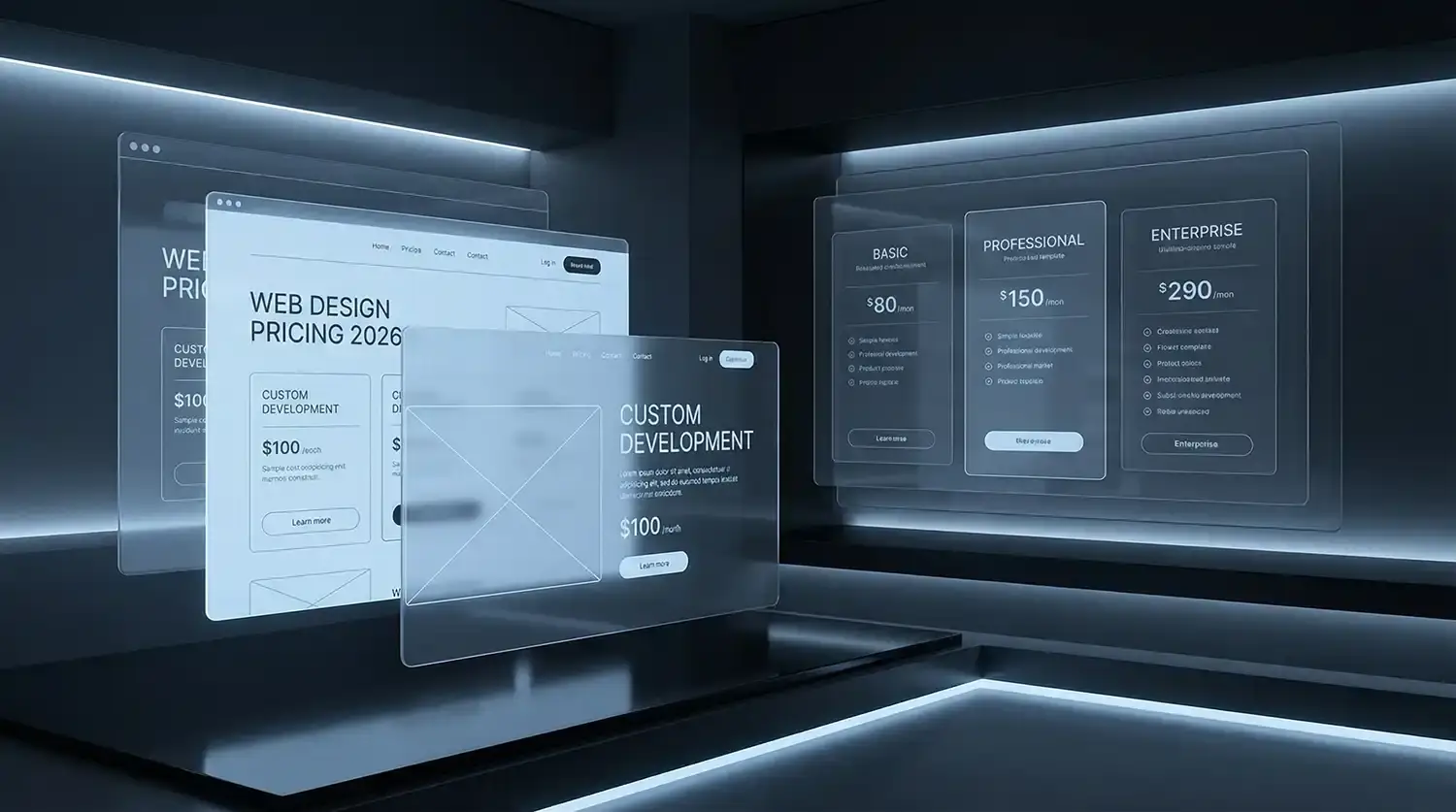
Trying to work out what a website should actually cost? This guide breaks down realistic pricing, what affects the final number, and how to budget properly.
How Much Does Web Design Cost?
So, the honest answer? Web design prices are all over the place. A simple website might cost a few hundred dollars if you build it yourself. A professionally designed business site from an agency can land anywhere between $5,000 and $20,000, sometimes more. It depends on what you’re building and who’s building it.
Most business websites fall somewhere in these rough ranges:
- DIY website builders – about $100 to $500 per year
Good for very small projects or early-stage businesses. Platforms like Wix, Squarespace, or Shopify templates fall here. You’re paying mostly for the software and hosting. Design, setup, and content are usually on you. - Freelance web designers – usually $1,000 to $5,000
Works well for smaller websites with straightforward requirements. Freelancers are often a good fit for smaller projects. Think simple business websites or landing pages without complex integrations. - Professional agencies – typically $5,000 to $20,000+
Better suited to businesses that want strategy, design, development, and long-term support. Agencies bring more structure to the process. You’ll often get strategy, custom design, development, and a smoother project workflow. - Large or complex websites – $20,000 to $50,000+
Think ecommerce platforms, integrations, or custom functionality. These projects usually include UX research, technical development, SEO setup, content work, and long-term marketing thinking.
But here’s the catch — price isn’t just about the website itself. It’s about what sits behind it.
A few things push costs up or down pretty quickly:
- Complexity – A five-page brochure site is one thing. A booking platform or e-commerce store is another.
- Design approach – Template designs cost less. Custom design work takes time and skill.
- Functionality – Features like payment systems, CRM integrations, or membership areas add development time.
- Who you hire – Freelancers often cost less upfront. Agencies usually bring strategy, UX, SEO, and ongoing support.
We’ve seen businesses spend $1,500 on a basic site and others invest $30,000+ for a high-performance lead generator. Both can make sense — if the scope and expectations match the price.
The real question isn’t just “How much does web design cost?”
It’s “What kind of website does your business actually need?”
Average Web Design Costs in 2026
Once you start digging into pricing, one thing becomes clear pretty quickly: there’s no single “standard” cost for a website. The price moves depending on who you hire and what you’re trying to build. A small brochure site for a local service business is a completely different project from a large e-commerce store or custom platform.
Still, there are some patterns we see again and again. Understanding the typical ranges can help you sanity-check quotes and set a realistic budget before you start talking to designers or agencies.
It’s not just about design talent. The higher the price bracket, the more likely you’re paying for strategy, scalability, and ongoing support.
General Pricing Benchmarks
Another way to think about cost is by the type of website you’re building.
- Basic brochure website – around $1,500 to $5,000
Usually a handful of pages: home, services, about, contact. Perfect for small businesses that just need a professional online presence. - Professional business website – roughly $5,000 to $15,000
This is where many growing companies land. Custom design, stronger UX, SEO foundations, and a more strategic structure. - E-commerce website – typically $8,000 to $30,000+
Online stores require more work. Product systems, payment gateways, shipping logic, and conversion-focused design all add complexity. - Custom web applications – $25,000 and up
These are not standard websites. Think client portals, booking systems, SaaS platforms, or heavily integrated digital tools.
Below is a simple snapshot of how pricing often compares across providers.
| Website Type | Typical Cost Range |
|---|---|
| DIY Builder | $100 – $500 |
| Freelancer | $1,000 – $5,000 |
| Small Agency | $5,000 – $15,000 |
| Full-Service Agency | $15,000 – $50,000+ |
Numbers like these aren’t strict rules. But they’re useful benchmarks. If a quote sits far outside these ranges, it’s worth asking a few more questions about what’s actually included.
What Factors Influence Web Design Price?
So why does one website cost $2,000 while another lands closer to $30,000?
It’s not random. A website price is really a reflection of time, complexity, and expertise. The more moving parts involved, the more hours go into planning, design, development, testing, and polishing.
We’ve seen business owners assume websites are priced like products — almost like buying a laptop. But in reality, building a website is closer to commissioning a custom space. The structure might look simple on the surface, yet the work behind it can vary wildly.
A few factors tend to drive most of the price difference.
Website Size and Number of Pages
The simplest driver of cost is how big the site is.
A small brochure-style website might include:
- Home
- About
- Services
- Contact
- Maybe one or two supporting pages
That’s manageable. Less design work. Less development. Fewer things to maintain.
But once a website grows, the workload grows with it. A larger corporate site might include:
- dozens of service pages
- industry-specific landing pages
- blog content
- resource hubs
- case studies
- integration with internal systems
Every additional page needs design thinking, content structure, and technical setup. And when the page count climbs, so does the time required to build it properly.
Design Complexity
Here’s where things start to diverge quickly.
Some websites rely on template-based designs. These use pre-built layouts where colours, images, and text are swapped in. They’re quicker to produce and usually cheaper.
Custom design is a different story.
A fully custom website involves:
- user experience planning
- unique page layouts
- brand-driven visual design
- interaction design and animations
That extra work creates a site that feels distinctive and built for the brand — but it also requires more design hours and developer input.
Think of it like architecture. A pre-designed house plan is cheaper than designing a home from scratch.
Functionality and Features
The more your website needs to do, the more development work sits behind it.
A simple informational site mostly displays content. But once you start adding tools or interactive features, the technical complexity grows.
Common features that increase cost include:
- E-commerce systems
Product catalogues, payment gateways, inventory management, and shipping logic all need careful setup. - Booking systems
Calendars, appointment scheduling, and automated confirmations require custom workflows. - Membership areas
Login systems, gated content, and subscription management. - Software integrations
Connecting the site with CRM platforms, email marketing tools, or internal systems.
These features often involve extra testing and custom development to make everything work smoothly.
Content Creation and Copywriting
Here’s something that surprises many business owners: content work can be a large part of the budget.
A website isn’t just design and code. It also needs:
- strong copy that explains what you do
- photography or visual assets
- brand-consistent messaging
- clear calls to action
Some businesses come to a project with everything ready. Others need help creating the entire content foundation.
That might include:
- professional photography
- website copywriting
- brand voice development
- graphics or illustrations
Good content makes a website persuasive. But producing it takes real time and creative effort.
And honestly, it’s often the difference between a site that just sits there… and one that actually brings in leads.
Web Design Cost by Website Type
By now you’ve probably realised something: when people ask “How much does web design cost?”, what they’re really asking is “How much does my type of website cost?”
And that’s where things start to make more sense.
Different websites solve different problems. A local plumber doesn’t need the same build as a national ecommerce brand. The structure, the features, even the design thinking behind it — all of that changes the price.
Let’s break down the common types of websites businesses usually invest in.
Small Business Websites
Most small business sites fall into what people call a brochure-style website.
These usually include the essentials:
- Home page
- About page
- Services or products
- Contact page
- Sometimes a blog or a few landing pages
The goal here is pretty simple: build trust and generate enquiries.
Pricing typically lands around:
- $1,500 – $5,000 for simpler builds
- $5,000 – $10,000 for more polished designs with better UX and SEO foundations
A local electrician, consultant, or small service business often sits in this range. The site doesn’t need complex functionality — it just needs to look credible and convert visitors into leads.
E-commerce Websites
E-commerce sites are a different beast entirely.
Now you’re not just designing pages. You’re building a sales engine.
That usually means:
- product catalogues
- payment gateways
- shipping logic
- customer accounts
- inventory systems
- integrations with accounting or marketing platforms
Even a modest online store can involve dozens of moving parts behind the scenes.
Typical ecommerce pricing often looks like:
- $8,000 – $15,000 for smaller stores
- $15,000 – $30,000+ for larger or more customised builds
And that’s before you factor in product uploads, marketing integrations, or conversion optimisation work.
Corporate or Enterprise Websites
Corporate websites often focus on brand positioning and complex information architecture.
These projects usually include:
- large numbers of pages
- advanced navigation systems
- custom UX design
- integrations with internal tools
- multilingual support
- performance optimisation
Enterprise sites also need to be built for scalability. They’re expected to grow with the organisation.
Costs typically start around:
- $20,000 – $40,000
- and can climb much higher for complex platforms
At this level, the project is rarely just design and development. It usually involves strategy, UX research, and long-term digital planning.
Landing Pages
Landing pages are smaller projects, but they’re often built with one very specific goal: conversions.
These pages are typically used for:
- paid advertising campaigns
- product launches
- lead generation funnels
- marketing experiments
Instead of building a full site, the focus is on one highly optimised page.
Typical costs range from:
- $500 – $2,000 for simple builds
- $2,000 – $5,000 for high-performing, conversion-focused designs
But here’s the interesting part: a good landing page can sometimes generate more leads than an entire website.
That’s why businesses running paid ads often invest heavily in getting these pages right.
Freelancer vs Web Design Agency Pricing
At some point during a website project, most businesses hit the same question:
Should we hire a freelancer… or work with an agency?
Both options can work. We’ve seen great freelancers deliver solid websites, and we’ve also seen projects where an agency structure made all the difference. The real choice usually comes down to scope, budget, and what you expect the website to do for your business.
Let’s look at where each option tends to make the most sense.
When Hiring a Freelancer Makes Sense
Freelancers can be a good fit when the project is fairly straightforward and the budget is tight.
For example, a freelancer might be the right choice if:
- The budget is small
Many freelancers charge less than agencies because they operate independently and have fewer overhead costs. - The website is simple
A small brochure site, portfolio, or landing page doesn’t always require a full team. - The timeline is short
Freelancers can sometimes move quickly when the project scope is limited.
That said, freelancers usually specialise in one or two areas — design, development, or both. So if your project needs strategy, UX research, SEO planning, and content work, the workload can stretch beyond what one person can realistically deliver.
When an Agency Is the Better Choice
Once a website becomes more complex, agencies often start to make more sense.
Agencies bring a team approach. Designers, developers, strategists, and marketers usually work together to shape the final product.
Businesses often choose an agency when they need:
- A complex website
E-commerce stores, platforms with integrations, or large corporate sites usually require multiple skill sets. - Ongoing support
Maintenance, updates, marketing campaigns, and optimisation often continue long after the site launches. - Marketing integration
Agencies often think beyond the build itself — considering SEO, conversion optimisation, and digital marketing from the start.
For companies that rely on their website to generate leads or revenue, this broader perspective can make a big difference.
Key Differences to Consider
If you’re weighing the two options, a few factors tend to matter most.
- Expertise
Freelancers often have deep expertise in one area. Agencies combine specialists across design, development, UX, and marketing. - Scalability
A freelancer might manage smaller projects well, but agencies can scale resources when a project grows. - Project management
Agencies usually have structured processes, timelines, and dedicated project managers. - Long-term support
Many agencies provide ongoing optimisation, hosting, or marketing services after launch.
Neither option is universally “better.” It really depends on the project.
But if the website is central to how your business attracts customers or generates revenue, many companies find that the strategic input and long-term support from an agency pays off over time.
How to Plan a Realistic Web Design Budget
Let’s be honest — most businesses don’t start a website project with a perfectly clear budget. It’s usually more like “We know we need a better site… but how much should we actually spend?”
That’s completely normal.
A good budget isn’t just a number pulled out of thin air. It comes from understanding what the website needs to achieve and how important it is to the business. If the site is meant to drive leads, sales, or bookings, then it’s not really an expense — it’s part of your growth engine.
A few simple steps can help you plan a budget that makes sense.
Define Your Website Goals
Before thinking about design or features, start with the real question: what should the website do for the business?
Different goals lead to very different projects.
For example:
- Lead generation
Service businesses often need landing pages, enquiry forms, and clear calls to action. - Ecommerce sales
Online stores require product systems, checkout flows, and inventory management. - Brand credibility
Some companies simply need a strong, polished presence that builds trust with clients and partners.
Once the goal is clear, the scope of the website becomes much easier to define.
Prioritise Essential Features
Here’s where a lot of projects quietly go off track.
It’s tempting to pack a website with every possible feature — animations, advanced tools, integrations, custom dashboards. But not everything is necessary at launch.
A smarter approach is to focus on the features that directly support your main goal.
For many businesses, the essentials are surprisingly simple:
- clear service pages
- strong calls to action
- mobile-friendly design
- fast loading speed
- basic SEO structure
Extra functionality can always be added later once the core site is performing well.
Plan for Growth
Even if the first version of the website is fairly simple, it should be built with future growth in mind.
Think about questions like:
- Will the business expand into new services?
- Will the site eventually include ecommerce?
- Will more marketing campaigns or landing pages be needed?
A scalable website structure makes those changes much easier down the road. It’s often worth investing a little more upfront to avoid rebuilding the site a year later.
Think About Return on Investment
One way to look at website costs is to compare them with the value they could generate.
For example, if a business typically earns $2,000 from a new client, and the website brings in just a few extra enquiries each month, the investment can pay for itself surprisingly quickly.
In other words, the real question isn’t always “What’s the cheapest website we can build?”
It’s often “What kind of website will actually help the business grow?”
How to Get an Accurate Web Design Quote
Getting a website quote can feel a bit like asking “How much does it cost to build a house?” The answer depends on what you’re actually building.
Some businesses send a quick message like “How much for a website?” and expect a clear number back. But without context, that’s almost impossible to price properly. The more information you give a designer or agency upfront, the more accurate — and useful — the quote will be.
A good quote should reflect the real scope of the project, not just a rough guess.
Information Agencies Need
Before an agency can price a project properly, they need to understand the basics of what you’re trying to achieve.
The most helpful things you can provide are surprisingly simple:
- Project scope
How many pages are you expecting? Will the site include ecommerce, booking systems, or integrations? - Target audience
Who is the website for? Local customers, B2B clients, online shoppers? - Website goals
Is the goal to generate leads, sell products, build brand credibility, or all three?
Even rough answers help. When agencies understand the problem you’re trying to solve, they can recommend the right structure instead of just guessing a price.
Questions to Ask Before Hiring a Designer
A quote shouldn’t just be about cost. It’s also about understanding how the project will run.
Some smart questions to ask include:
- What is the expected project timeline?
A typical website project can take anywhere from four weeks to several months depending on complexity. - What exactly is included in the deliverables?
For example: design, development, content uploads, SEO setup, testing. - What support options exist after launch?
Will the designer provide maintenance, updates, or help if something breaks?
These conversations often reveal more about the project than the price itself.
Red Flags in Cheap Website Quotes
Everyone likes a good deal. But when it comes to web design, extremely low quotes can sometimes signal problems down the line.
A few warning signs worth watching for:
- Unrealistic timelines
If a complex website is promised in a week, something important is probably being skipped. - Unclear deliverables
Vague proposals can lead to confusion about what’s actually included. - Hidden costs
Some quotes exclude hosting, maintenance, revisions, or essential features.
A solid proposal should feel transparent. You should walk away understanding what you’re paying for, what the process looks like, and what happens after the site goes live.
Is Cheap Web Design Worth It?
This is one of those questions where the honest answer is: sometimes… but often not.
A cheap website can look appealing at first. The price is low, the turnaround sounds fast, and you get something online quickly. For some businesses, that’s exactly what they need.
But we’ve also seen the other side of it — businesses launching a cheap website, only to rebuild it a year later because it simply couldn’t keep up with their growth.
The difference usually comes down to how important the website is to the business.
Risks of Low-Cost Websites
Cheap websites often cut corners somewhere. Sometimes that’s fine. Other times it causes problems later.
Common issues include:
- Poor performance
Slow loading pages, unoptimised images, or poorly structured code can make a site feel clunky. Visitors don’t wait around long for slow websites. - Bad user experience (UX)
Navigation might be confusing. Forms may not work properly on mobile. Important information can be hard to find. - Lack of scalability
Many low-cost builds rely heavily on rigid templates. That makes it harder to add new features or expand the site later.
We’ve seen businesses run into situations where adding something simple — like a booking system or ecommerce functionality — meant rebuilding the site from scratch.
When Budget Websites Can Work
That said, cheap websites aren’t always a bad choice.
There are situations where a budget approach makes perfect sense.
For example:
- Temporary websites
Short-term projects, events, or early-stage startups sometimes just need something live quickly. - Simple landing pages
If the goal is testing an idea or running a small ad campaign, a lightweight landing page can do the job.
In cases like these, speed and affordability might matter more than long-term scalability.
Long-Term Value of Professional Web Design
Where professional web design usually proves its value is over time.
A well-built site tends to perform better across several areas:
- SEO benefits
Proper site structure, faster performance, and technical optimisation make it easier for search engines to understand and rank the site. - Conversion improvements
Thoughtful design and clear user journeys help turn visitors into enquiries or sales. - Stronger brand credibility
A polished website signals professionalism. Visitors often judge a business within seconds of landing on a page.
So while cheap websites can work in the short term, businesses that rely on their website for growth often find that investing in a solid build pays off far more in the long run.
Conclusion: Understanding the Real Cost of Web Design
So where does that leave us?
The cost of web design isn’t a fixed number. It shifts depending on what you’re building, who’s building it, and what the website is expected to achieve. A simple five-page site for a local service business is one thing. A large ecommerce store or custom platform is something else entirely.
A few things tend to shape the price more than anything else:
- the size of the website and number of pages
- the design approach — template vs custom design
- the features and functionality required
- the content and branding work involved
- whether you’re working with a freelancer or a full agency team
All of these factors influence how much time, planning, and technical work goes into the project.
But here’s the thing we’ve seen over and over again: the cheapest option isn’t always the most affordable in the long run. A poorly built site can struggle with performance, SEO, and user experience — and fixing those problems later often costs more than doing it properly from the start.
A well-built website, on the other hand, can become one of the most valuable assets a business owns. It can generate leads, support marketing campaigns, and build credibility with customers who are seeing your brand for the first time.
So before starting a website project, it helps to pause and ask a couple of simple questions:
- What do we actually need the website to do?
- How important is it to our business growth?
- What kind of investment makes sense based on those goals?
Once those answers are clear, planning a realistic web design budget becomes much easier — and you’re far more likely to end up with a website that genuinely works for the business.


